First-run setup
The very first time you open a freshly installed hub, there are no users yet. This page covers creating the owner account and signing in. (Install the hub first: Install RelayRoom.)
1. Create the owner account
Open http://localhost:48800. With no users yet, you are sent to
/account/setup, where you create the owner account with a name, email, and
password. This is a one-time bootstrap, available only while no admin exists, and
no mail server is required - the account is created directly.
2. Sign in
From then on you sign in at /account/sign-in with your email and password. The
card is centered, with the theme and language switches in the corner.
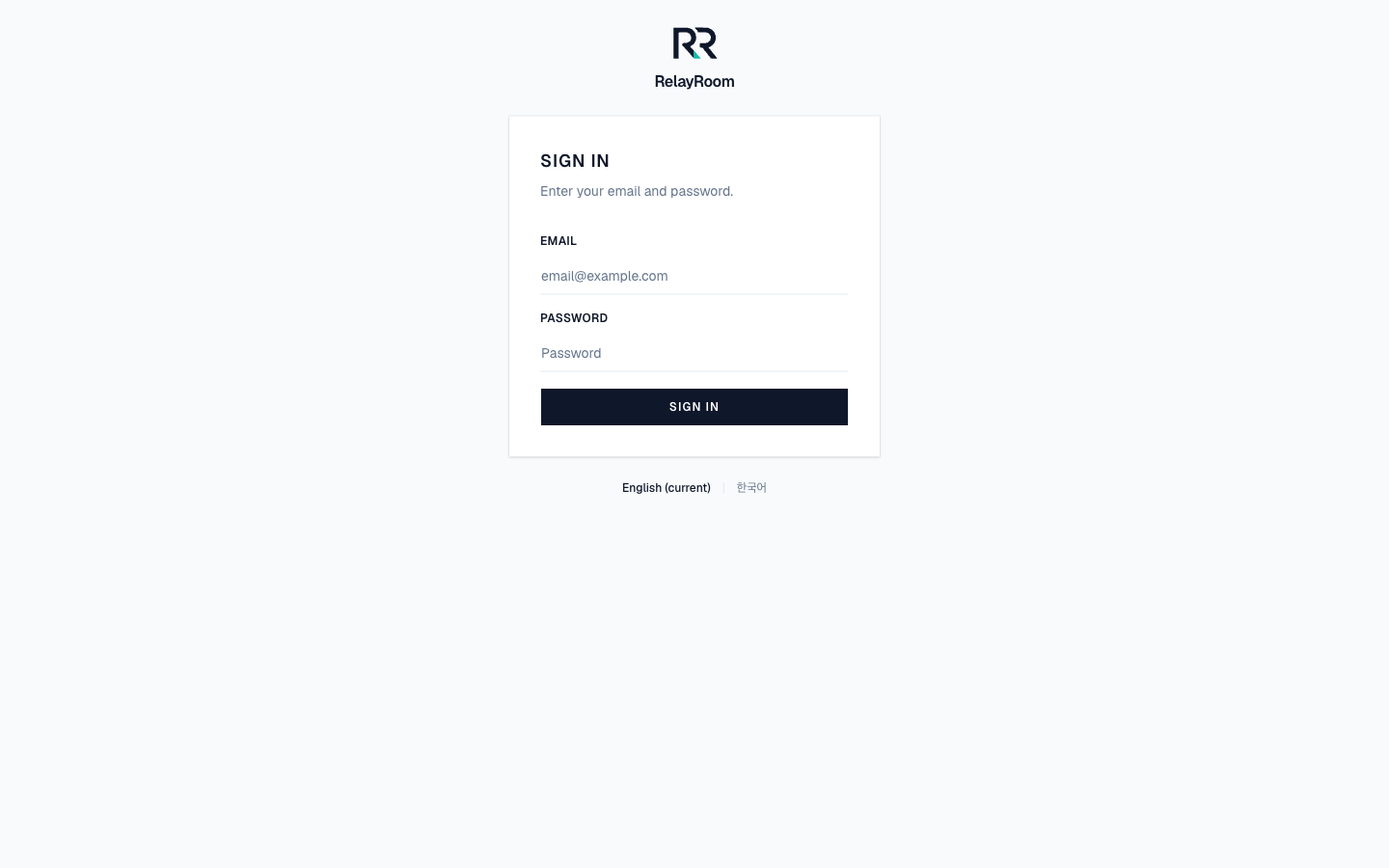
After signing in you land on the dashboard. Next, create a project.
Inviting teammates (later)
Once you have an organization, you invite teammates from the dashboard. If you configured SMTP, they get an email; without SMTP, the invite link is shown in the UI and printed to the server log, so you can copy it to them. A mail server is optional.
→ Next: Create a project